
3D Editing in the Browser: The Magic Behind WebGL and Three.js
How modern web browsers render massive 3D models smoothly. We pull back the curtain on how ViewAnyFile.app handles STL, OBJ, and GLTF files effortlessly.
Quick Answer: How modern web browsers render massive 3D models smoothly. We pull back the curtain on how ViewAnyFile.app handles STL, OBJ, and GLTF files effortlessly.
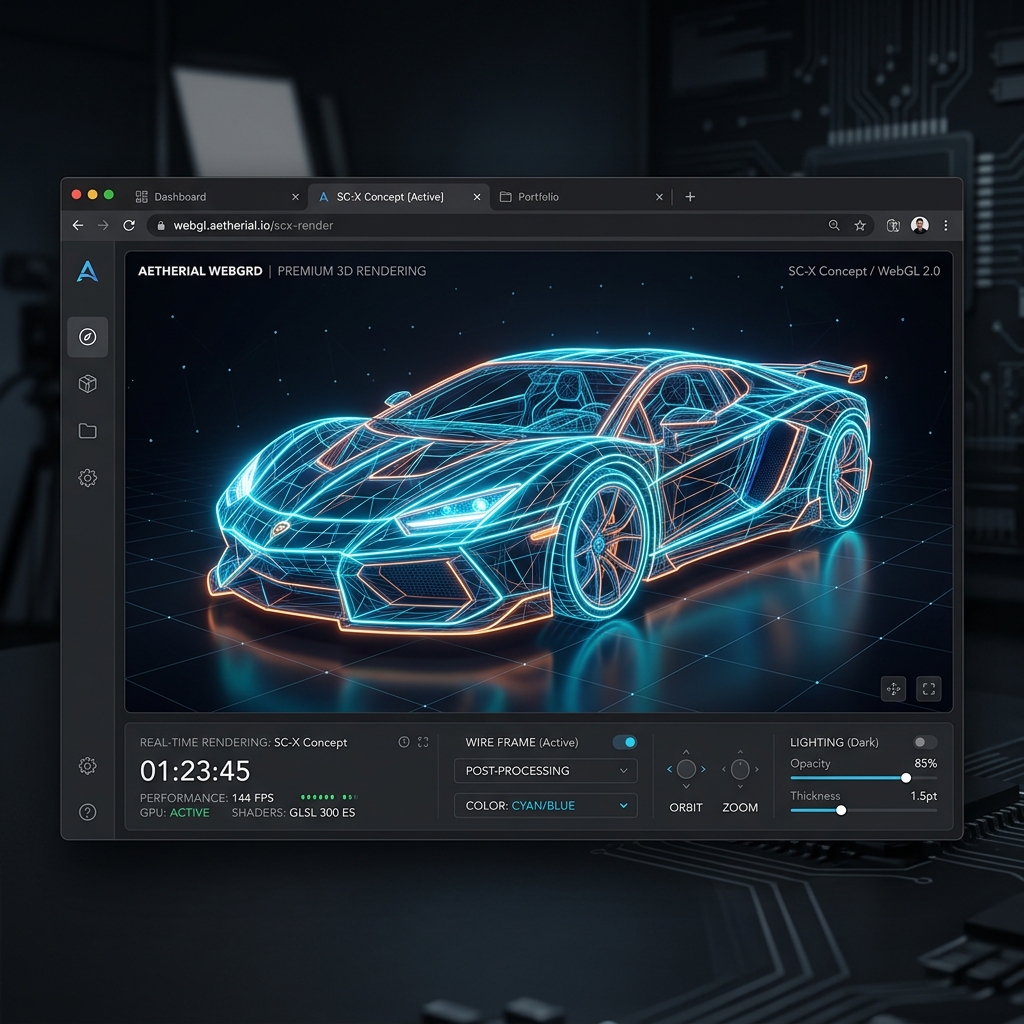
A decade ago, the idea of rendering a 50-megabyte 3D sports car in Google Chrome without severe lag was science fiction. You needed specialized software and a dedicated graphics card. Today, you can drag an .stl or .gltf file into ViewAnyFile.app, and it renders instantly at 60 frames per second. How is this possible?
The Power of WebGL
The secret ingredient is WebGL (Web Graphics Library). WebGL is a Javascript API designed to render interactive 3D graphics inside an HTML canvas. It achieves incredible performance because it doesn't rely on the browser's typical layout engine; instead, it talks directly to your computer’s GPU (Graphics Processing Unit).
When you load a 3D model, WebGL bypasses the CPU bottleneck and offloads the heavy mathematical calculations (like lighting, shading, and vertex transforms) straight to the graphics card, whether you're using a powerful desktop rig or a humble smartphone.
Abstracting Complexity with Three.js
Writing raw WebGL code is exceptionally difficult—it involves dealing with complex matrix math and writing low-level shader programs. That’s where Three.js comes in.
In ViewAnyFile.app, we utilize the Three.js library to create a scene, configure lighting, and position the camera. When you upload a 3D file, our system parses the geometry and materials, and Three.js translates those properties into WebGL commands flawlessly.
Why Our Viewer Excels
- Automatic Centering and Scaling: No matter the size of the original model, our viewer instantly calculates the bounding box and scales it perfectly into the camera's view.
- Responsive Lighting: We deploy an array of ambient and directional lights that react to standard PBR (Physically Based Rendering) materials, ensuring that
.gltfand.objfiles look as realistic as possible. - Zero Installation: Forget installing 3D Studio Max or Blender just to look at an asset. Whether you’re an architect, a game developer, or a 3D printing enthusiast, your viewer is already installed in your browser.
Experience the web’s spatial revolution yourself. Drop a 3D model into ViewAnyFile.app today.