
Annotate Images Online Free
Draw arrows, highlight areas, and add quick markups to any image without opening heavy editing software. ViewAnyFile.app’s new annotation suite.
Quick Answer: Draw arrows, highlight areas, and add quick markups to any image without opening heavy editing software. ViewAnyFile.app’s new annotation suite.
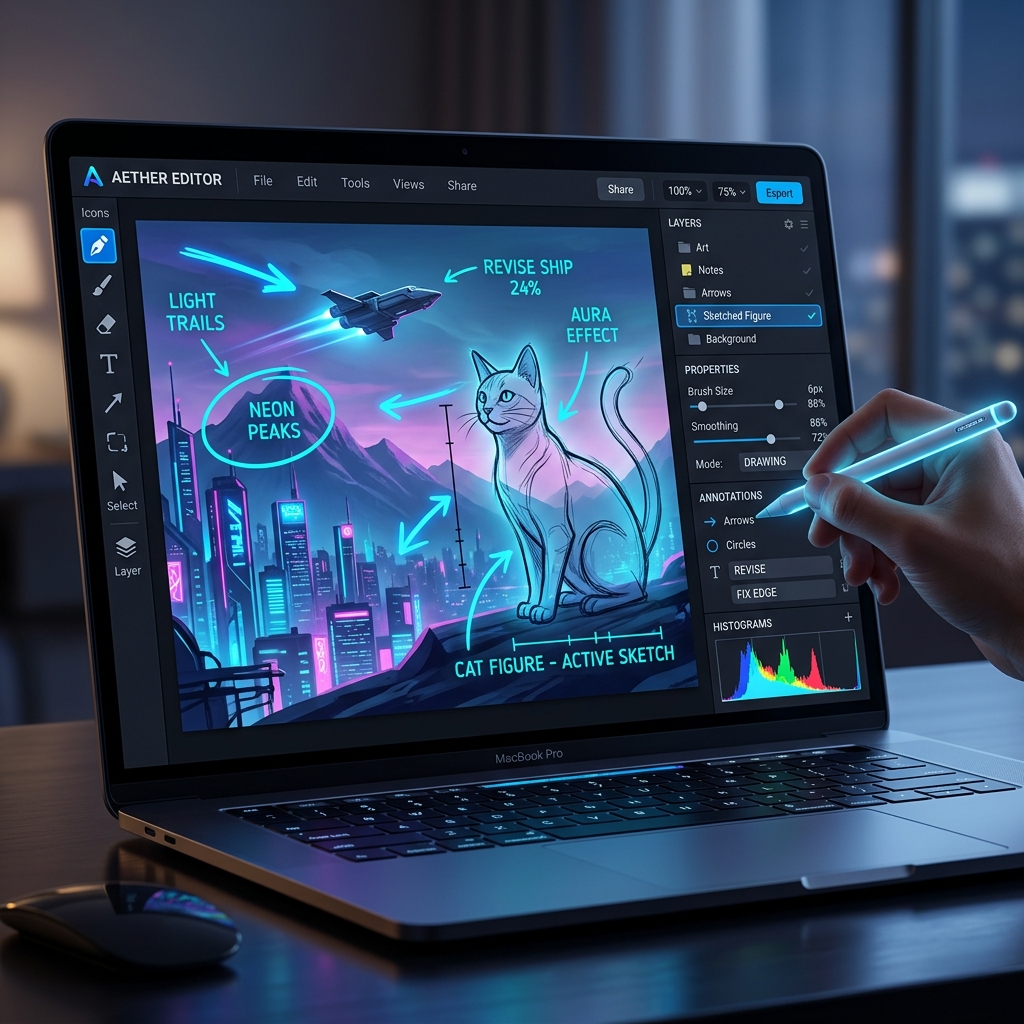
Sometimes you don't need a full-blown image editor like Photoshop. Sometimes you just need to point at something and say, "Look at this!" That's why we've integrated lightweight, high-performance markup tools directly into the ViewAnyFile.app image viewer.
What's New in The Toolbar?
When viewing any image, you’ll now notice a new set of drawing utilities located right next to the background tools:
- 🖋️ Freehand Pen: Quickly circle important details or write short notes.
- ↗️ Arrow Tool: Point precisely to elements on the screen.
- ⬜ Rectangle Tool: Draw neat boxes to frame areas of interest.
Professional Features Built-In
We didn't just stop at basic drawing. We've added quality-of-life enhancements that make annotating fluid and professional:
- Smart Gesture Handling: When a tool is selected, the canvas seamlessly switches from panning mode into drawing mode (with a precise crosshair cursor).
- Undo / Redo Support: Made a mistake? Hit
Ctrl+Zto undo your last stroke, orCtrl+Yto redo it. You can also use the integrated toolbar buttons. - Persistent Scaling: Thanks to our SVG overlay architecture, your markups scale perfectly with the image. Zoom in and out without losing quality or alignment.
Combine and Export
The best part? These annotations integrate flawlessly with our other features. You can remove the background with AI, draw an arrow pointing to the subject, and then hit Copy to Clipboard to instantly paste the assembled graphic into an email or presentation.
Try out the new markup tools today by dropping any image into ViewAnyFile.app!